Terminal
Terminal renderer and related helpers.
cm.terminal()
Returns a promise resolved to a terminal renderer, drawing shapes in a terminal like context.
const app = cm.app({
  renderer: await cm.terminal(),
});
Shapes drawn by terminal renders are (typically) not positioned in literal pixels, or colored in literal colors, as in a conventional graphics system. Instead they are positioned in count of terminal’s cell and colored by characters.
const app = cm.app({
  mode: "double",
  renderer: await cm.terminal(),
});

app
  .data(cm.range(240, 0, Math.PI * 2))
  .append(cm.group, {
    x: app.prop("width") / 2,
    y: app.prop("height") / 2,
  })
  .append(cm.point, {
    x: (t) => 10 * Math.cos(t) * Math.cos(t * 3),
    y: (t) => 10 * Math.sin(t) * Math.cos(t * 3),
    stroke: cm.cfb(cm.wch("🌟")),
  });

app.render();

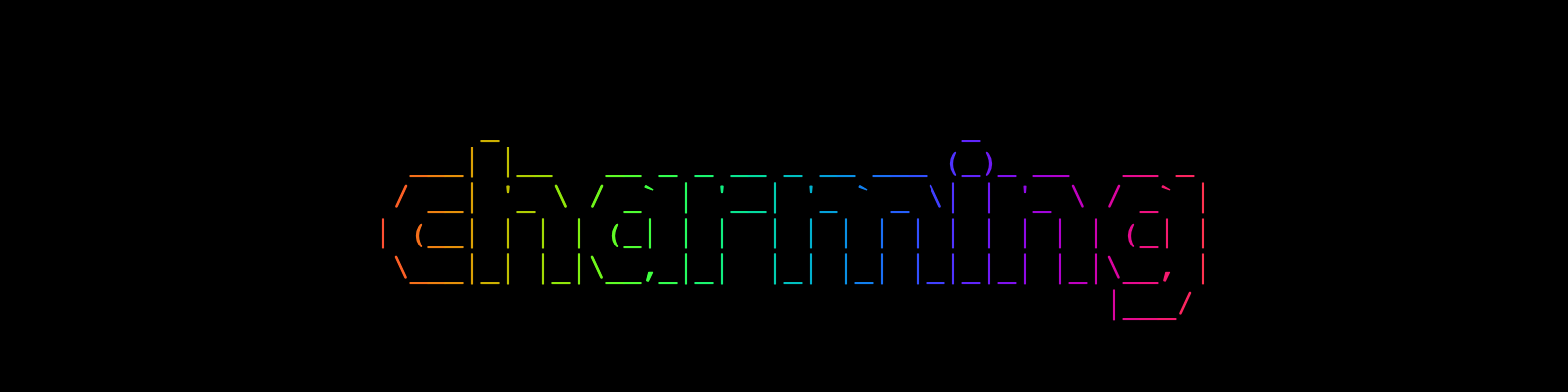
Moreover, it draws ASCII text powered by figlet.js.
const app = cm.app({
  width: 800,
  height: 200,
  mode: "double",
  renderer: await cm.terminal(),
});

app.append(cm.text, {
  x: app.prop("width") / 2,
  y: app.prop("height") / 2,
  text: "charming",
  textBaseline: "middle",
  textAlign: "center",
});

app.render();

cm.cfb(ch[, f[, b]])
Returns a terminal color object, which is only for app with a terminal renderer. A terminal color comprises the following three channels:
- ch: character
- f: CSS Color for the color of the character
- b: CSS color for the background cell of the character
If neither f or b are not specified, each defaults to null.
app.append(cm.rect, {
  x: 0,
  y: 0,
  width: 10,
  height: 5,
  fill: cm.cfb("@", "steelblue", "orange"),
  stroke: cm.cfg("+"),
});
cm.wch(ch)
Returns a character marked as a wide character, which is only for app with a terminal in double mode.
const app = cm.app({
  terminal: await cm.terminal(),
  mode: "double",
});

app.append(cm.rect, {
  x: 0,
  y: 0,
  width: 10,
  height: 5,
  fill: cm.cfb(cm.wch("😊")),
});
cm.figlet(text)
Defines a figlet text with the specified text for terminal renderer.
const app = cm.app({
  renderer: await cm.terminal(),
});

app.append(cm.text, {
  text: cm.figlet("Charming"),
});
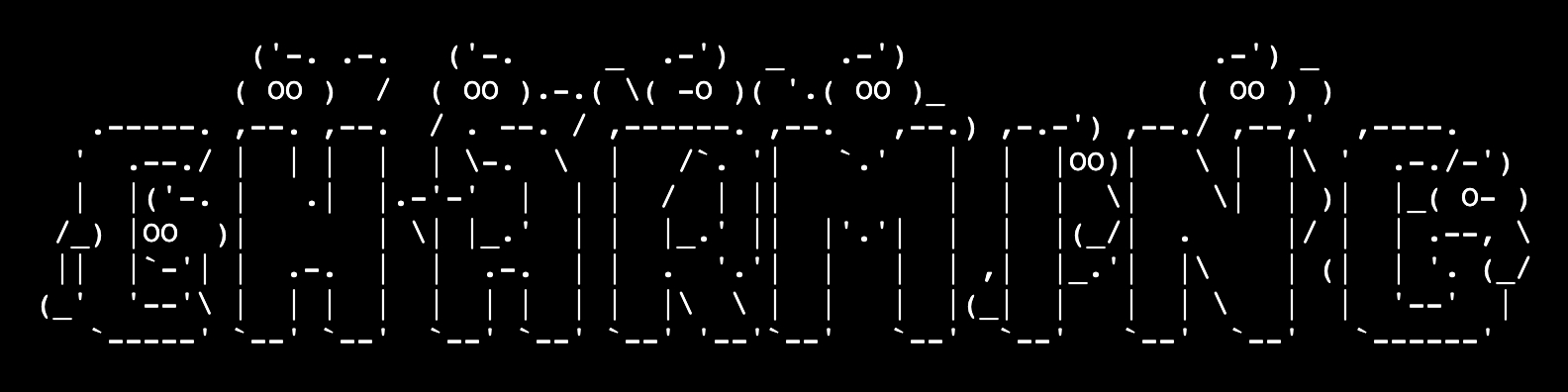
cm.fontStandard()
Parses and returns the standard font for the fontFamily attribute.
app.append(cm.text, {
  // ...
  fontFamily: cm.fontStandard(),
});
cm.fontGhost()
Parses and returns the ghost font for the fontFamily attribute.
app.append(cm.text, {
  // ...
  fontFamily: cm.fontGhost(),
});
cm.gradientRainBowX()
Returns the fill attribute with the vertical rainbow gradient.
app.append(cm.text, {
  // ...
  fill: cm.gradientRainBowX(),
});
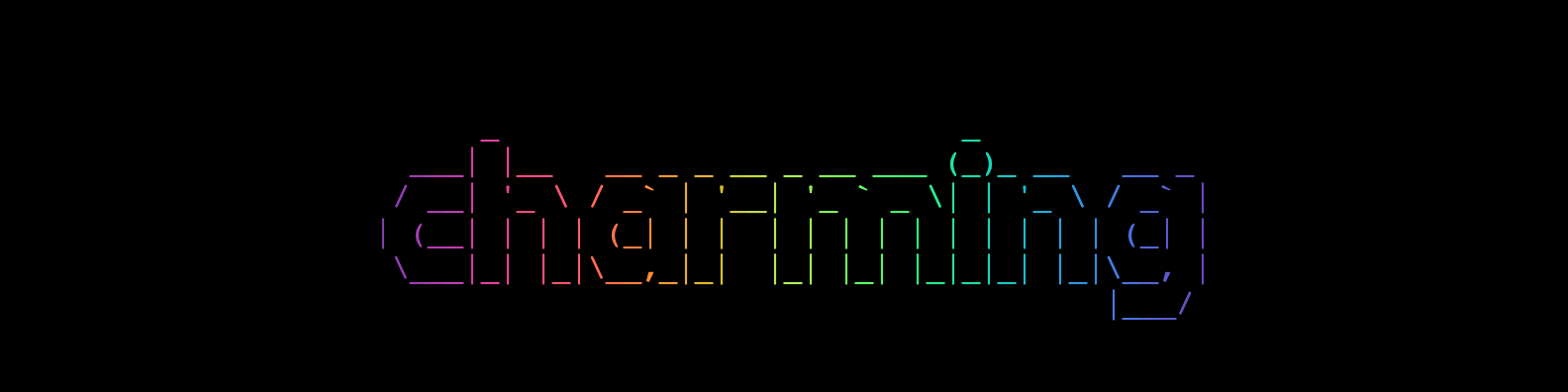
cm.gradientSineBowX()
Returns the fill attribute with the vertical sinebox gradient.
app.append(cm.text, {
  // ...
  fill: cm.gradientRainBowX(),
});